
Managing your site with Alice for Operators
Ask for a change in plain English, check it, and press Confirm.
Type what you need into Alice on your dashboard, or press Ask Alice in the top bar on any page. For example: Post an urgent alert: Checkpoint B is closed until 6pm, send people to A.
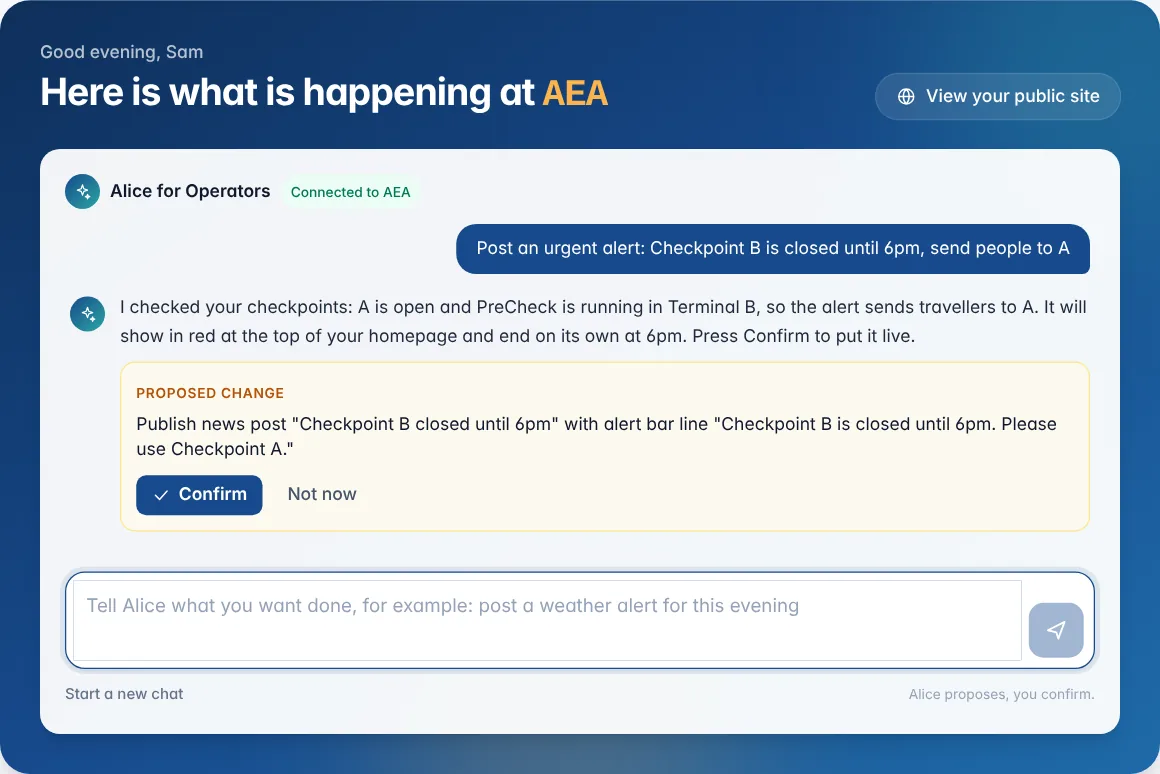
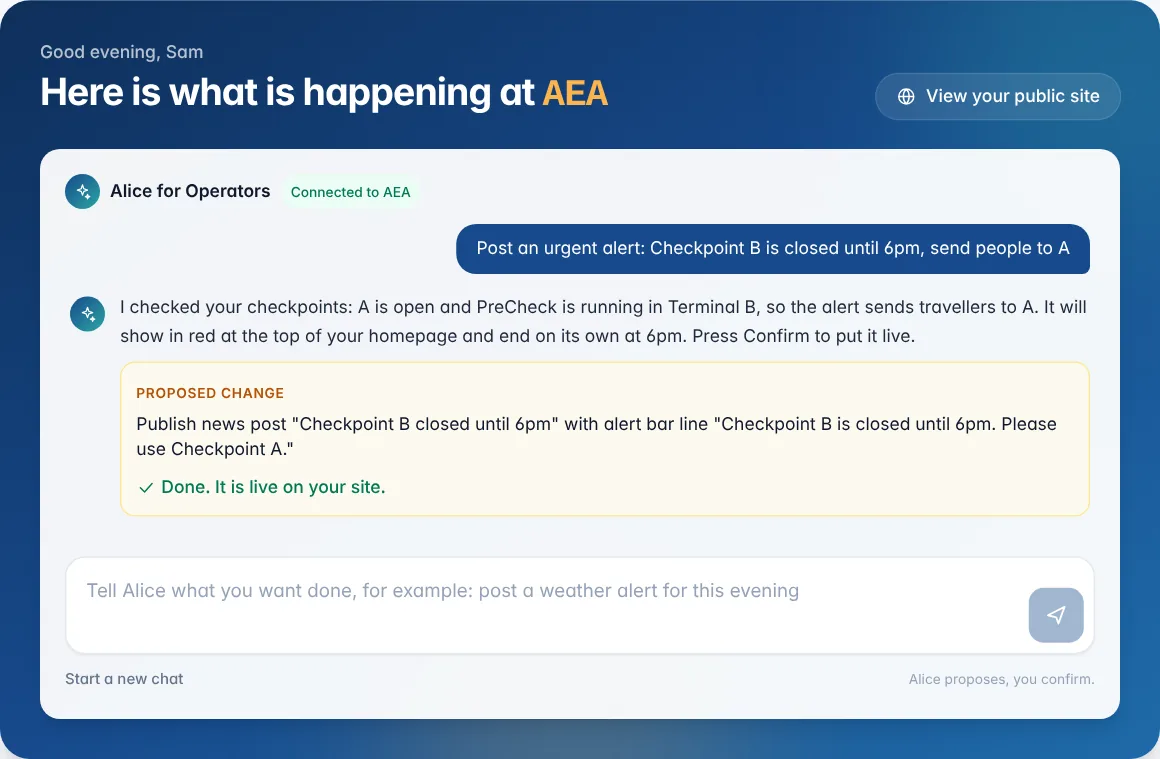
Alice looks at your live site first, then shows a Proposed change card with exactly what she will do.
How to: press Confirm to make it live, or Not now to leave everything as it was. Nothing changes until someone presses Confirm.
Alice can post and update news and alerts, reply to and publish reviews, update security checkpoints and record wait times, open or close the store and change its wording, and look up anything on your dashboard, including vendor menus.
She cannot see vendor orders or takings, or change team accounts, branding, connections or your revenue share. She only works with the airport you manage.
Start a new chat clears the conversation. Admins can use Alice; editors use the page editor.
Related
Did not find what you needed? Contact us.