
Getting started with the operator portal
Sign in at portal.airportonline.org and start on your dashboard.
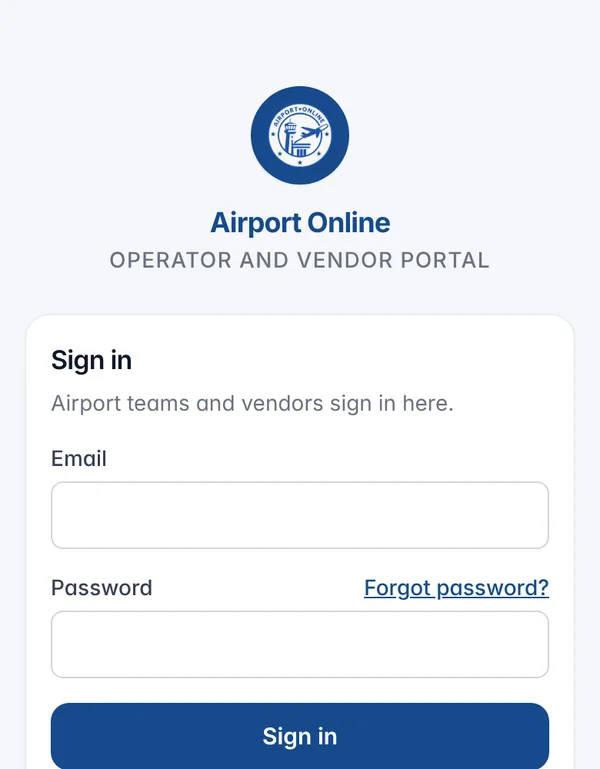
Sign in at portal.airportonline.org with the account your airport admin or Airport Online set up for you. Forgot your password? Use Forgot password? on the sign-in page.
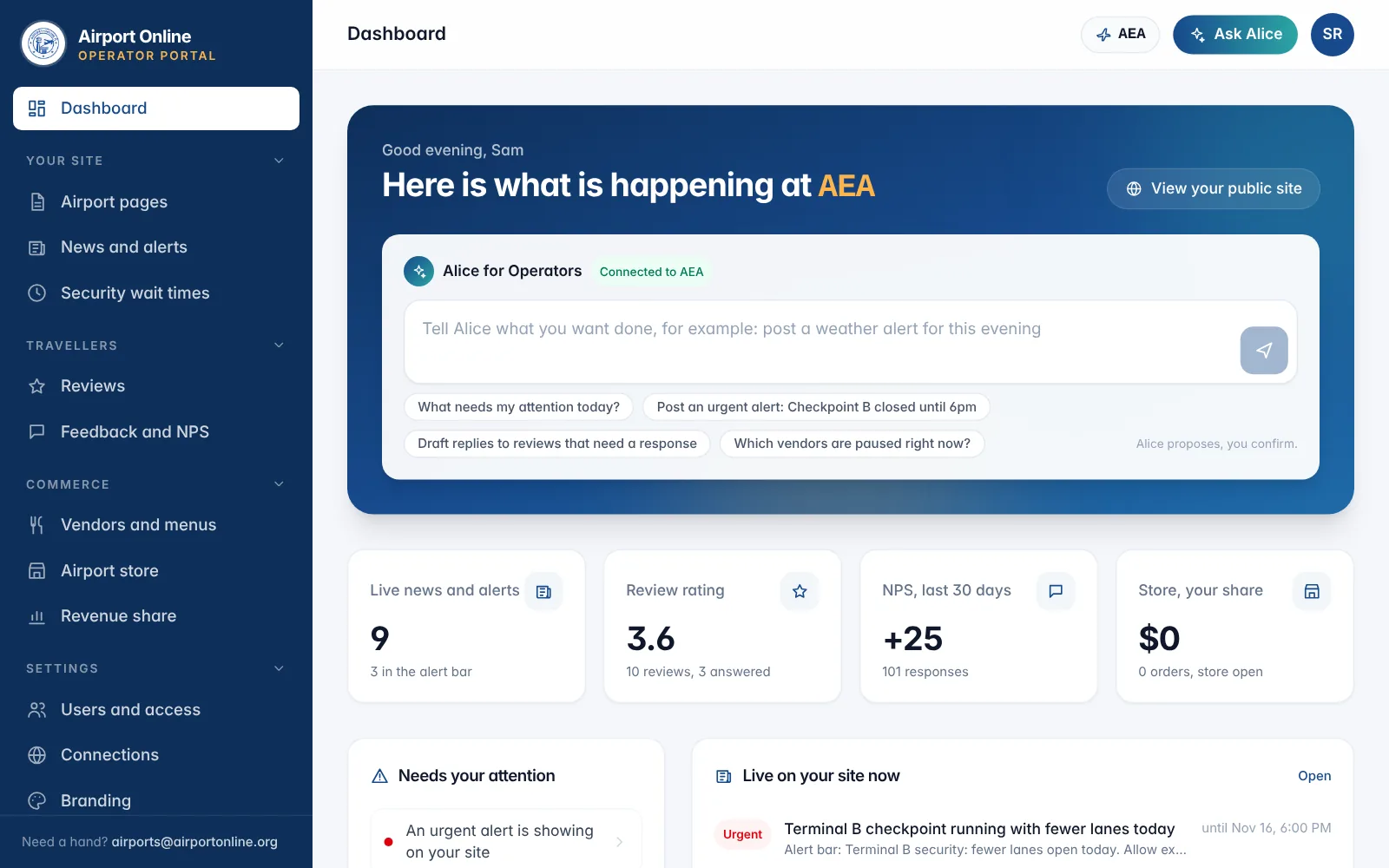
You land on your dashboard: live news and alerts, review rating, NPS, store sales, security checkpoints, vendors, which pages are live, and a short list of what needs you today.
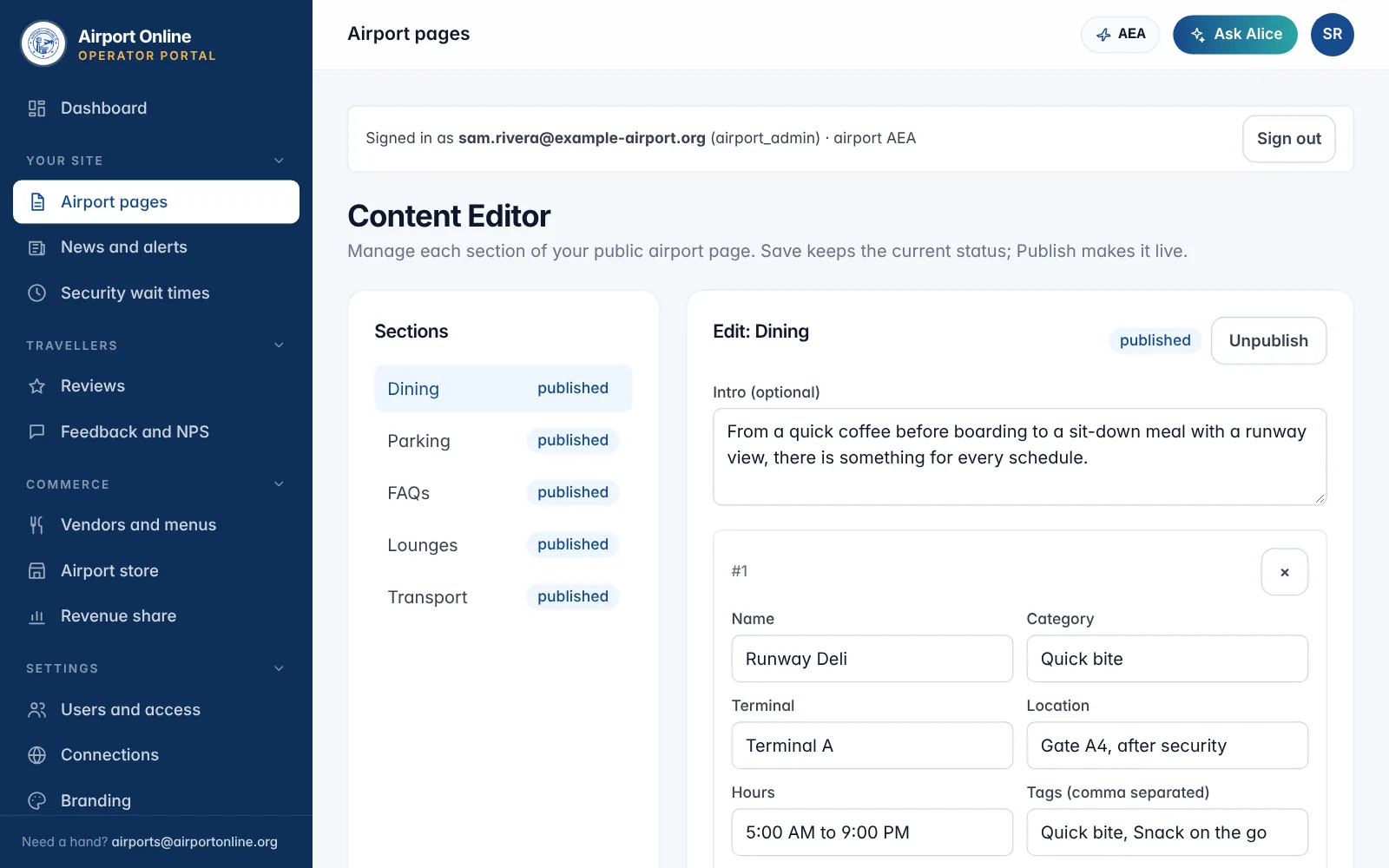
The menu is in four groups: Your site (airport pages, news and alerts, wait times), Travellers (reviews, feedback), Commerce (vendors and menus, store, revenue share) and Settings (users, connections, branding, footer).
Ask Alice, in the top bar, can do many jobs for you. Most changes appear on your site within about a minute.
Related
Did not find what you needed? Contact us.